Notifications
Clear all

Topic starter
15/03/2026 8:07 pm
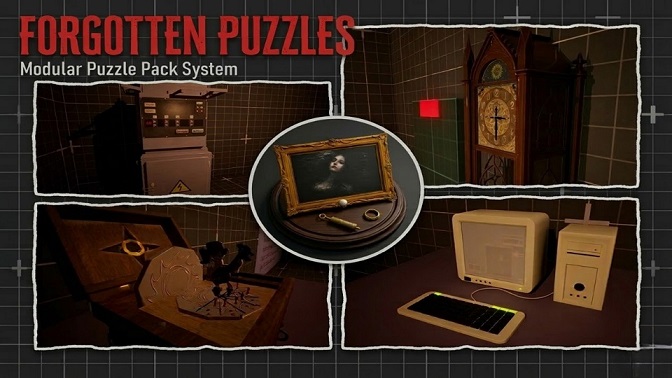
Welcome, and thank you so much for supporting Forgotten Puzzles – Modular Puzzle Pack 
I really appreciate it.
This is the main support topic for general questions, setup help, and discussions related to the Forgotten Puzzles – Modular Puzzle Pack.
If you run into questions while using the pack, need clarification on how something works, or want to discuss anything more broadly about it, feel free to ask here.
Thanks again for your support, and welcome to the Dark Silver Games community.
Dark Silver Games

17/03/2026 7:35 am
i didnt check the forums so i had no idea it released on fab but it came up as i was browsing and i instantly bought it its incredible and so easy to integrate, well done guys. Best in the business 🙂
Topic starter
17/03/2026 1:43 pm
@konkichifan We’re really glad you’re enjoying the pack! 😊 If you have a moment, leaving a quick review on our products really helps us and other developers. Your feedback helps us in creating more packs like this!

18/03/2026 8:17 pm
Hello, I just installed the pack and followed the tutorial video, but I’m having a small issue—or rather, one issue. I can’t import the puzzle I want, for example the clock or others; it shows a cross with the white message, as you can see in one of the photos.
Also, I’m getting a node error right there, so I’m not sure if the problem comes from me or from the pack.
Thank you for your help.
Topic starter
18/03/2026 8:48 pm
@auron Het Auron, Did you copy the "ForgottenPuzzles" folder correctly into your project? It should be placed inside the Content folder.
Also, which tutorial video are you following? for a normal Unreal project or the one for the Classic Survival Horror Framework?
18/03/2026 8:55 pm
Hi,
I’ve extracted the file into the Content folder and followed your tutorial video, but no matter what I do—even on a test map—I keep getting these error messages. I also can’t drag the puzzle, like the clock, onto my map, nor can I even test the demo map.
This post was modified 5 hours ago 2 times by Auron
18/03/2026 8:59 pm
I’ve also added a photo of what happens when I load the demo map.
Maybe I shouldn’t extract it directly into the Content folder and should import it through Unreal Engine instead?
Topic starter
18/03/2026 9:01 pm
@auron The folder you transfer should be the ForgottenPuzzles folder, not the entire project which contain Uproject file. ForgottenPuzzles folder should only contain two folders: Blueprints and Demo. Could you send a screenshot of the folder contents?

18/03/2026 9:16 pm
I followed the tutorial video ang got to 2:36 and opened the Puzzle Master, I completed the section and hit Compile and got the error and selecting the bottom list it brought me to the Red Error Pin. I followed the Video from Patreon.
Topic starter
18/03/2026 9:19 pm
I’ve also added a photo of what happens when I load the demo map.
Maybe I shouldn’t extract it directly into the Content folder and should import it through Unreal Engine instead?
From what I can see, you added the entire project which is not correct. Please only copy the ForgottenPuzzles folder from the Content folder into your project. If you still have any issues, let me know.
Topic starter
18/03/2026 9:23 pm
@mrksmt9 @auron Please watch this video, your project should look like this after copying ForgottenPuzzles pack.
Page 1 / 2
Next
