Farshad Shirkani & Hosna Shahrokhi
Dark Silver Games
Note: This documentation is currently a work in progress and is being actively updated.
1. Introduction #
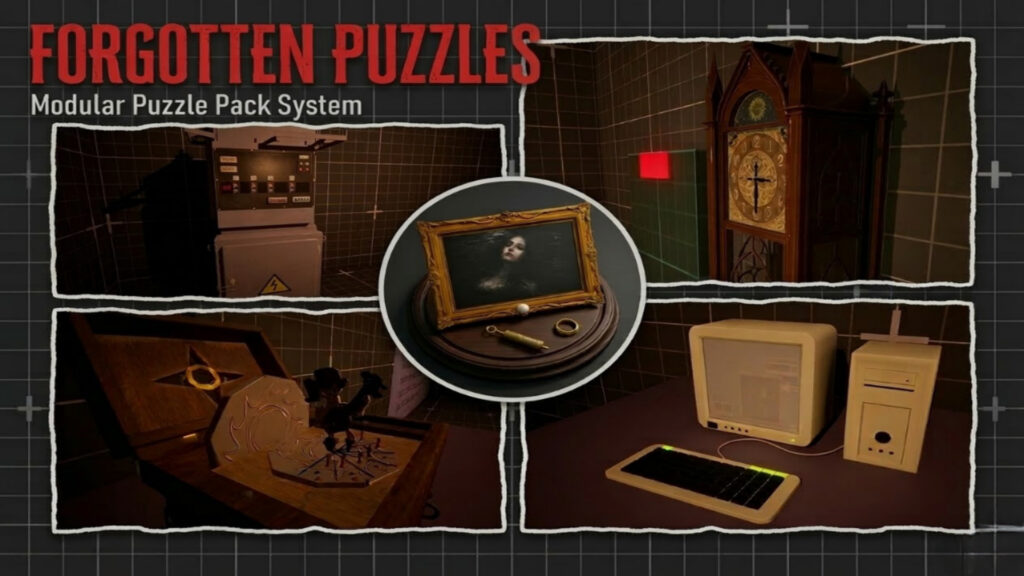
Forgotten Puzzle is designed for fans of classic puzzle design, especially in the style of survival horror, for those who grew up with this genre, puzzles like we saw in classic survihal horror games. Our focus in this pack is that you can use it to create your own custom puzzles for your survival horror game, or any other genre, from adventure to narrative-driven games. This pack is released as a game system, so you can easily add it to your existing project and use it to build, expand, or create new puzzles.
2. Maximizing Compatibility #
You can already use this pack in any of your Unreal Engine projects right now. However, if you want to get the maximum benefit, we recommend considering two of our standout products: the Classic Survival Horror Framework or the Modern Survival Horror Framework. You can choose one of these exceptional products, and this puzzle pack is compatible with either, enhancing your overall experience.
3. Support and Updates #
Support for the Forgotten Puzzle is provided through official documentation, updates, and the community forum.
Developers can reach out and get help directly on the official forum, where you can ask questions, clarify doubts, report issues, and discuss framework-related topics with the team and other users.
4. Integrating Forgotten Puzzles into Your Unreal Engine Project #
In this section, we’ll show you how to quickly transfer Forgotten Puzzles to your character in your project. Watch this short 3-minute video for a quick guide.
5. Integrating Forgotten Puzzles into Classic Survival Horror Framework #
If you own the Classic Survival Horror Framework, you can follow this step-by-step guide to integrate this pack into your framework correctly. If you don’t, you can safely skip this section.
6. Integrating Forgotten Puzzles into Modern Survival Horror Framework #
If you own the Modern Survival Horror Framework, you can follow this step-by-step guide to integrate this pack into your framework correctly. If you don’t, you can safely skip this section.
7. Puzzle System Overview #
In Forgotten Puzzle, we have a single master class called BP_Puzzle Master. All other puzzles inherit from this master class. It contains a set of shared reference code, constants, and variables that apply to all puzzles, while the unique aspects of each puzzle are implemented in their respective child classes.
We have also introduced “BPI_ForgottenPuzzles” interfaces in the system, and one of the most important functions of this interface, called “PuzzleSolved”, allows any actor that implements it to trigger a custom event or action after the puzzle is solved. As a result, on each puzzle, we add a variable that can be any actor, and as long as that actor implements this interface, it will trigger the subsequent event once the puzzle is solved. In the following, a summary of how the puzzles in this pack operate is provided.
8. Painting Order Puzzle #
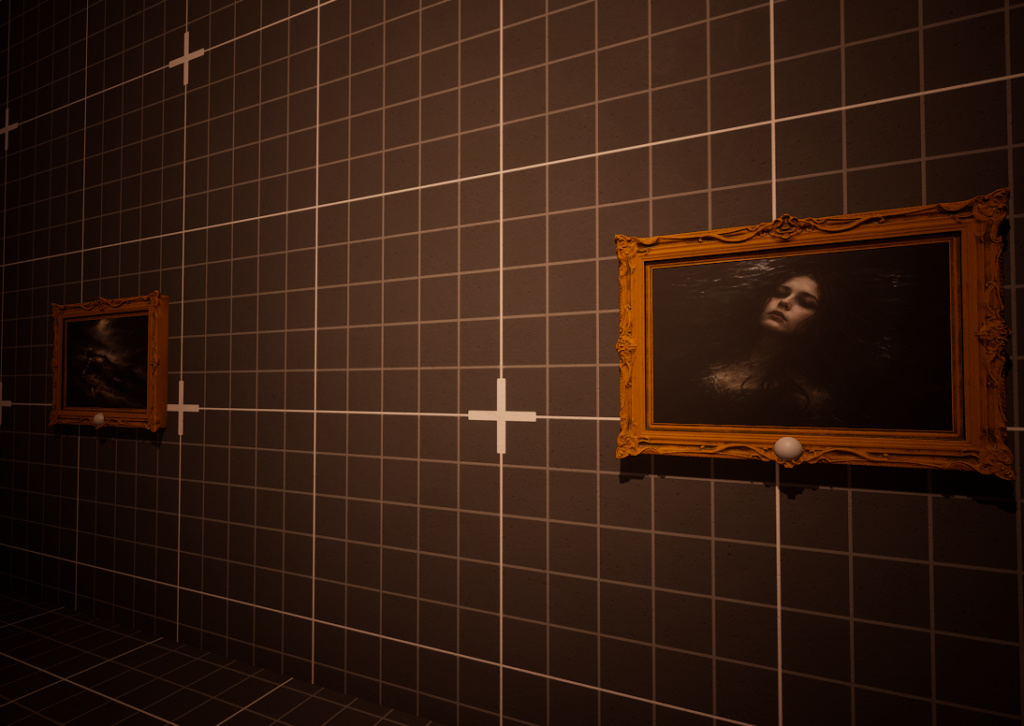
This puzzle is inspired by a famous puzzle from Resident Evil: Code Veronica. The puzzle works like this: we have a secret wall, represented here by a large painting frame. When the player interacts with it, they arrive at a Yes or No answer. If they choose Yes, and the puzzle is solved, a special event triggers. How is the puzzle solved? We have four image frames on either side of the wall. The player must press them in the correct order based on the text shown on each one. Once this sequence is correct, they can interact with the large painting again. If the order is right, the puzzle is solved, and a special action is triggered.
9. The Grandfather Clock Puzzle #
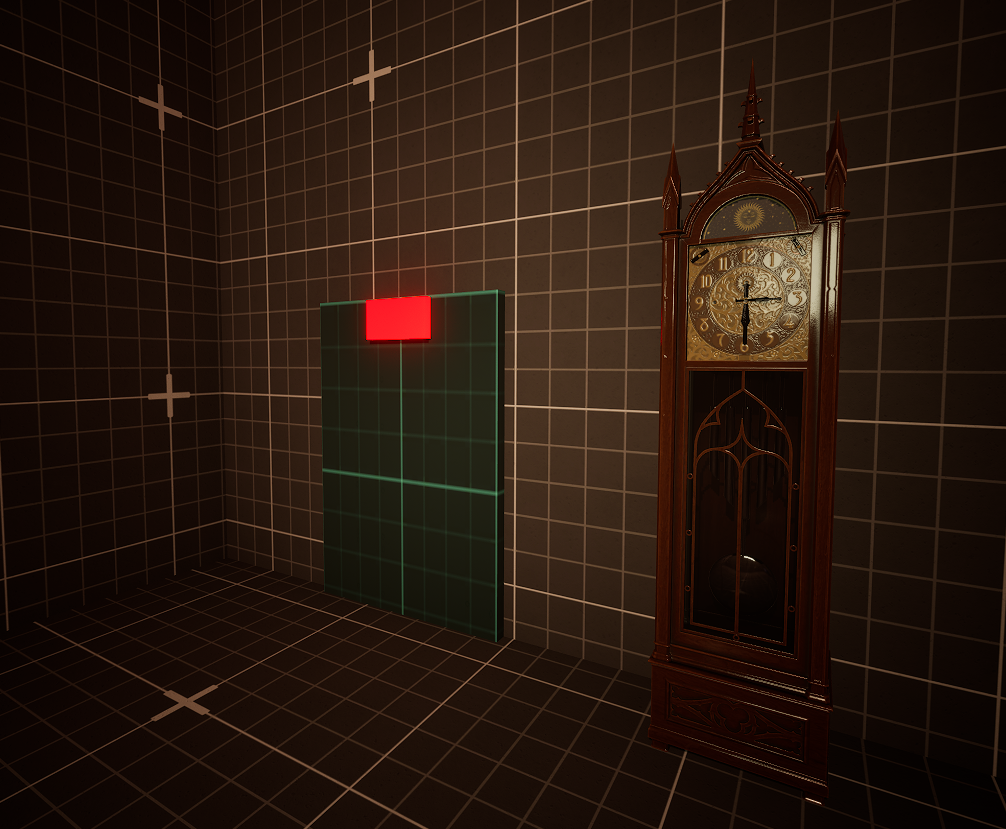
This puzzle is inspired by the classic clock puzzle from Resident Evil 1. The clock has two hands—hour and minute—each controlled by an integer variable: HourIndex and MinuteIndex.
Hands can point in only four directions: Up (12), Right (3), Down (6), and Left (9). The player must rotate the hands to the correct positions to solve the puzzle.
Example – 3:30:
- Hour hand = 3 o’clock → HourIndex = 1 (Right)
- Minute hand = 30 minutes → MinuteIndex = 2 (Down )
After the player sets the clock hands to a desired position, a prompt asks: “Keep turning?”. At this point, the player should select No to allow the puzzle logic to check the current hand positions. If the hands match the correct configuration, the puzzle is solved and a special event is triggered. Selecting Yes simply allows the player to continue rotating the hands without checking the solution.
10-Security Control Terminal #
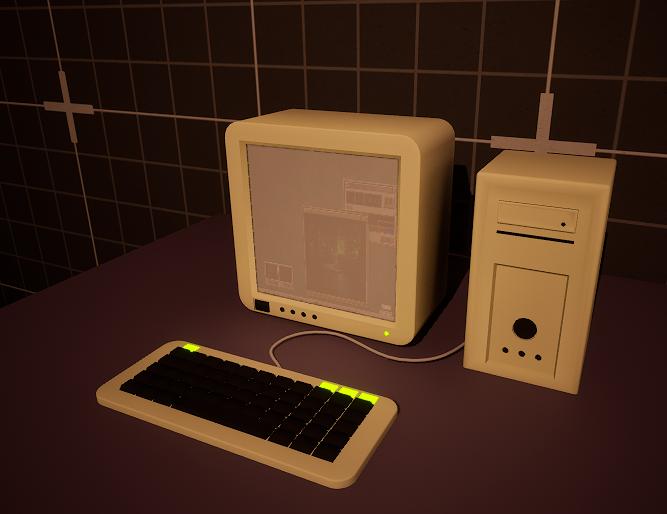
This security terminal is inspired by computer terminals found in Resident Evil 2 and 3. Players can interact with it to check the status of key items. If the player possesses a required card or item, the terminal allows a specific door to open or a special event to trigger. Essentially, this terminal acts as a key interaction point, verifying whether the player has the necessary item and activating the corresponding outcome.
11-Reserve Power Control Panel #
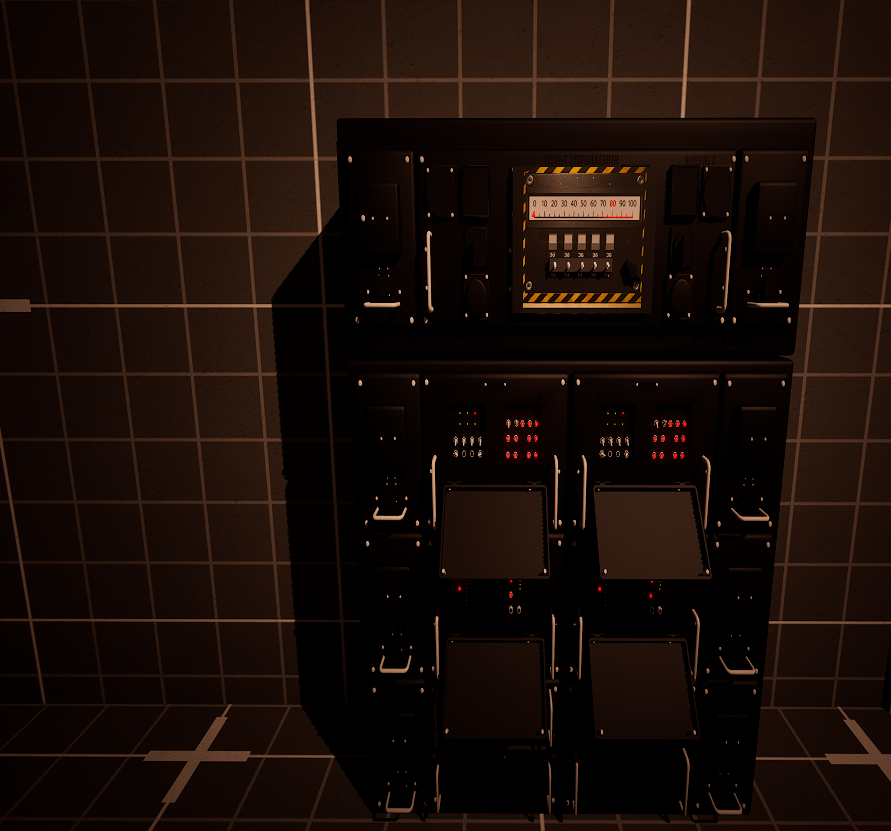
Reserve power control panel puzzle is inspired by the panel from Resident Evil 2. It features a power level ranging from 0 to 100. Below, there are five switches: each time a switch is moved up, the value increases by 36; and when moved down, it decreases by 14. The goal is to adjust the switches so that the power level reaches exactly 80. Once the correct total is achieved, the puzzle is solved, and a special event is triggered.
12. Transformer puzzle #
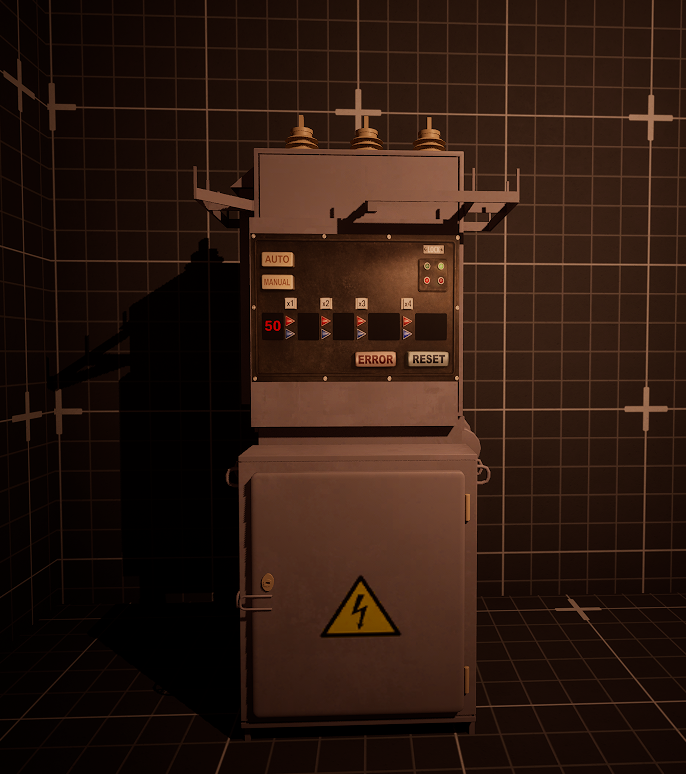
The transformer puzzle is inspired by the device in Resident Evil 3. The puzzle consists of four sections. In each section, a value is calculated by multiplying the section number by a base amount. After that, this result is added to or subtracted from the previous total. For example, if the initial value is 50, when the player presses the red button in section 1, 15 times 1 is added. Then, in section 2, 15 times 2 is added, and so forth. For the blue button, the base value is 5. In each section, 5 times the section number is added or subtracted. This process continues through all sections. The player must adjust the switches so that the total sum reaches the target voltage. Once the correct total is achieved, the puzzle is solved, and a special event is triggered.
13. Music box puzzle #
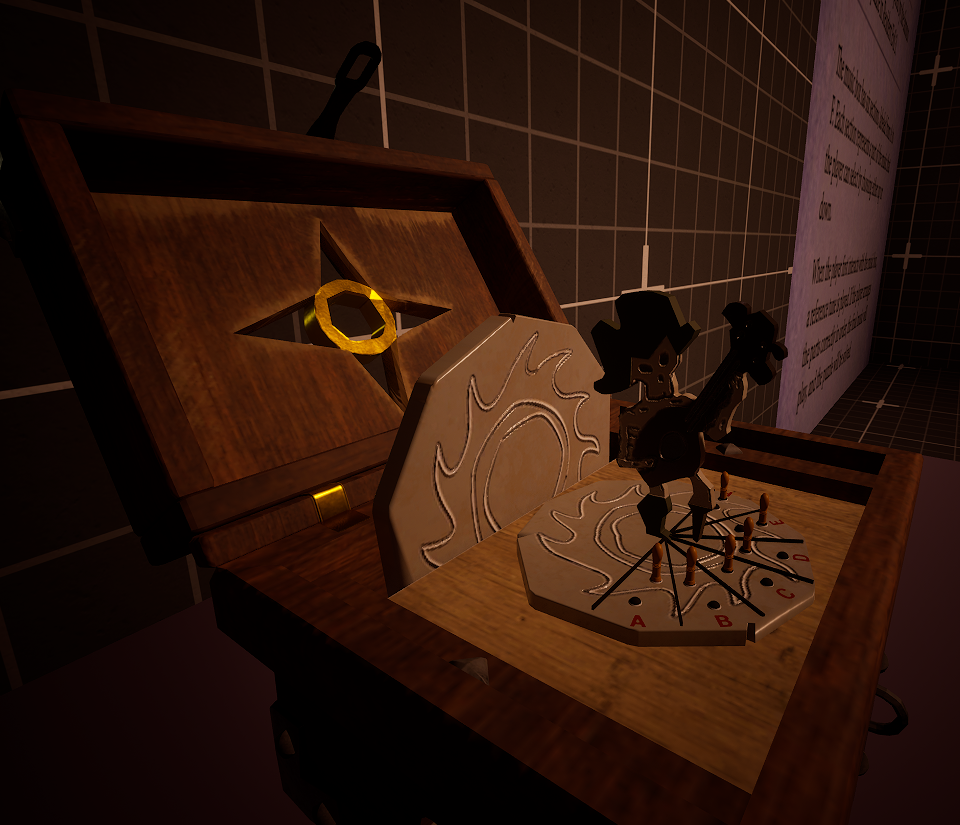
The music box puzzle is inspired by the famous puzzle in Resident Evil 3. The music box has six sections, labeled from A to F. Each section represents a musical note that the player can select by choosing either up or down. When the player first interacts with the music box, a reference tune is played. If the player arranges the notes correctly in order, the final music will play, and the puzzle will be solved.
14. Gas pipe routing puzzle #
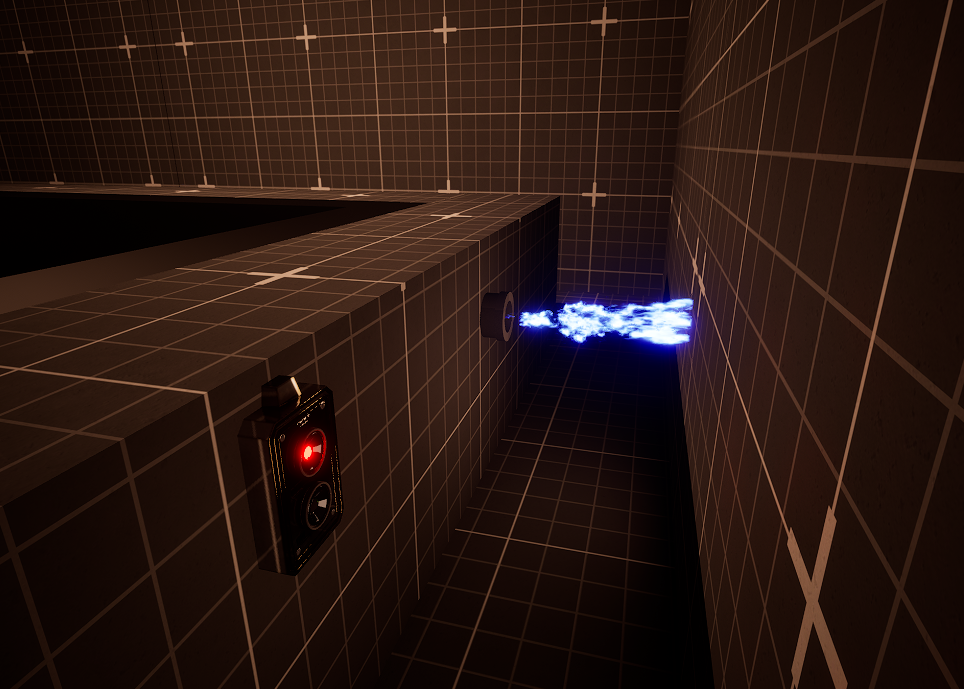
The gas pipe routing puzzle is inspired by the famous puzzle in Resident Evil 3. The player must adjust the pipe segments to route the gas flow so that the final piece leading to the exit is sealed. By toggling the segments, the player directs the gas to the correct path, and once the flow reaches the target exit point, the puzzle is solved, and the final event is triggered.
15. Assets (CC BY 4.0) #
Note: Some of these assets have been modified.
| Grandfather Clock: | Creator: Lyskilde| Link |
| Old Computer: | Creator: YieldingMist206| Link |
| Control panel power: | Creator: Labus| Link |
| Electrical transformer | Creator: Labus| Link |
| Music Box:| Creator: Meleagor| Link |
| CHESS Soldier: | Creator: shaklesh 01| Link |
| Industrial Electrical:| Creator: hamster228| Link |
| Old Power Switch: | Creator: Mehdi Shahsavan| Link |
| Old Pipes Bundle: | Creator: Alex Krush| Link |
| Angel Statue: | Creator: JJORIS| Link |


0 Comments